
AI Invoice Processing Automation for Accounts Payable
AI invoice processing automation helps AP teams reduce manual work, route approvals faster, improve visibility, and handle exceptions more consistently.
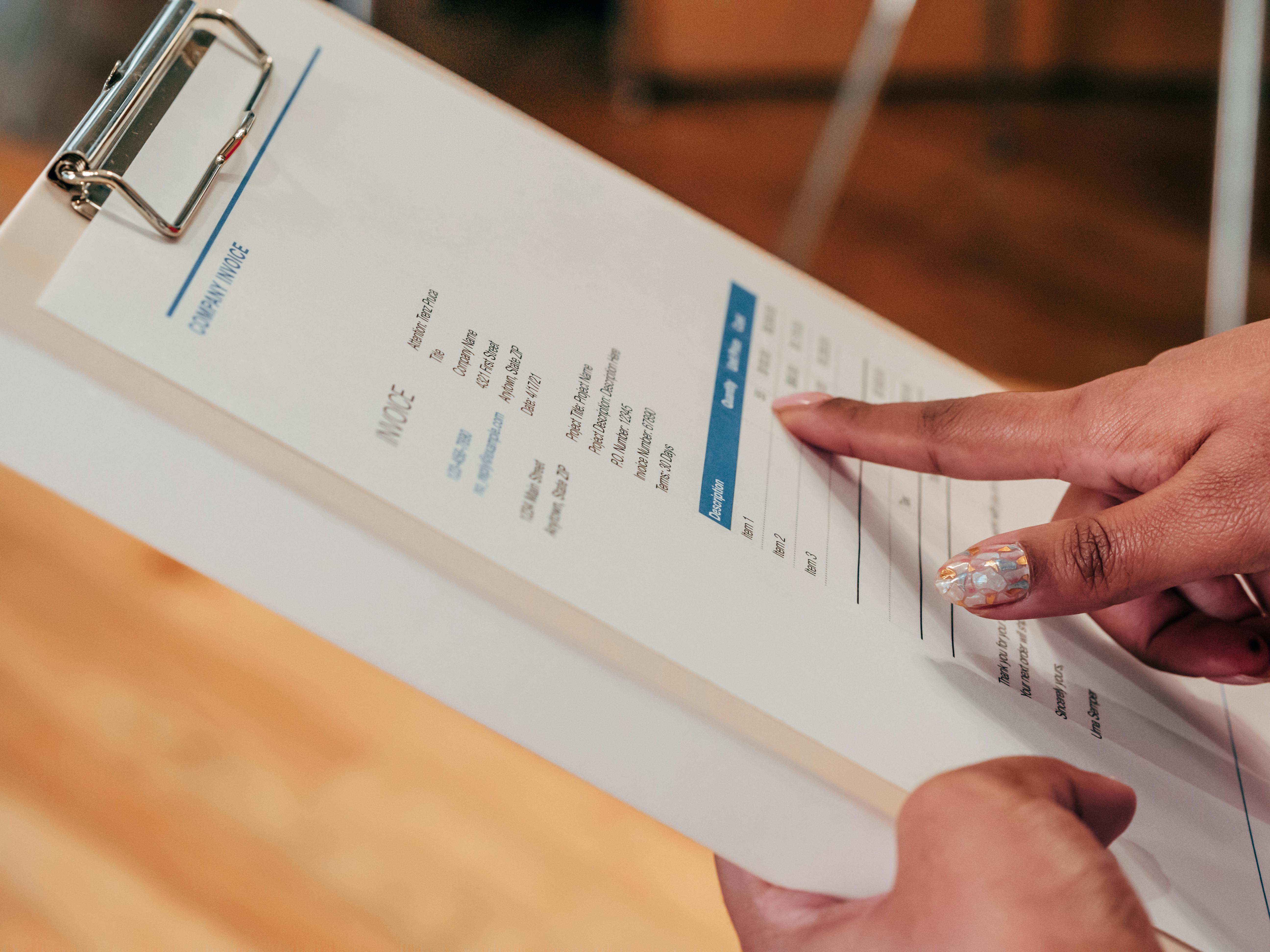
Accounts payable teams at small to mid-sized businesses often manage invoices through a mix of email inboxes, PDFs, spreadsheets, shared folders, and ERP or accounting systems. That approach may work for a time, but as invoice volume increases, manual handling leads to delays, errors, and limited visibility.
AI invoice processing automation helps businesses reduce repetitive AP work by capturing invoice data, routing documents to the right people, tracking approval status, and keeping information moving across systems. Instead of relying on staff to open every email, rename files, enter fields, and chase approvals, businesses can automate much of the workflow while maintaining control.
AI invoice processing automation uses AI and workflow automation to read invoices, extract key data, route approvals, flag exceptions, and update downstream systems. For accounts payable teams, this cuts manual data entry, shortens approval cycles, and improves visibility without removing human review where it matters most.
For operators and finance leaders, the value is straightforward: faster invoice handling, fewer bottlenecks, more consistent routing, and stronger control over a process that is often more manual than it should be.
Why Accounts Payable Teams Struggle With Manual Invoice Processing
Many invoice workflows become fragmented over time. Vendors send invoices to different email addresses. Some arrive as PDFs, some as image attachments, and some through portals. Team members manually review documents, enter data into accounting software, and email approvers one at a time.
That creates several common problems:
- Manual data entry takes time and pulls AP staff away from higher-value work
- Invoices sit in inboxes waiting for review or forwarding
- Approval routing depends on tribal knowledge rather than a defined process
- Teams have limited visibility into invoice status
- Exceptions, missing information, and duplicate submissions are harder to catch early
- Month-end closes become more stressful because documents are scattered
These issues are not just administrative. They affect cash flow planning, vendor relationships, internal accountability, and the ability to scale operations without adding headcount.
According to the IRS recordkeeping guidance for businesses, companies need reliable business records to support financial reporting and compliance. When invoice handling is inconsistent, maintaining clean records becomes more difficult than it needs to be.
How AI Invoice Processing Automation Works
AI invoice processing automation improves AP workflows by combining document understanding, workflow routing, and system integration. In practical terms, it can read incoming invoices, extract key fields, classify documents, and move them through the appropriate approval path.
Document capture and invoice data extraction
AI can monitor AP inboxes or intake channels, identify invoice documents, and extract information such as:
- Vendor name
- Invoice number
- Invoice date
- Due date
- Line items or totals
- Purchase order references
This reduces manual entry and helps standardize intake, especially when invoice formats vary by vendor.
Workflow routing and invoice approvals
Once data is captured, automation can route invoices based on business rules such as department, dollar amount, location, vendor, or approver hierarchy. That means invoices no longer depend on someone remembering who should receive them.
For example, a utility invoice for one location may go directly to a facility manager, while a larger equipment invoice may require department review and finance approval. AI helps identify the document and trigger the correct workflow more quickly.
Visibility, auditability, and exception handling
Automation also improves visibility. Teams can see which invoices were received, which are pending approval, which need more information, and which are ready for posting or payment.
When something does not match expectations, such as a missing PO number or incomplete vendor details, the workflow can flag the exception instead of letting it disappear into an inbox. This is one reason many businesses also invest in AI document processing for business workflows as part of broader operational improvement.
The National Institute of Standards and Technology has emphasized the importance of trustworthy AI and process governance. In an AP context, that means using automation in a controlled way that supports review, accountability, and clear business rules.
What AI Invoice Processing Automation Helps Businesses Improve
- Faster invoice intake from email, uploads, and scanned documents
- Less manual data entry into accounting and ERP systems
- More consistent approval routing based on business rules
- Better tracking of invoice status and bottlenecks
- Earlier detection of duplicates, missing fields, and exceptions
- More predictable month-end close processes
Real-World AI Invoice Automation Examples
AI invoice processing automation is most effective when it aligns with how a business already operates. Here are several practical examples.
1. AP inbox automation
A shared accounts payable inbox receives invoices from dozens of vendors. Instead of having staff manually open each message, download attachments, and sort them, automation can:
- Monitor the inbox continuously
- Identify invoice-related emails
- Save attachments to the right location
- Extract invoice data
- Create a record in the accounting or workflow system
- Route the invoice for review
This is often one of the fastest ways to reduce repetitive AP work.
2. Approval routing by business rules
A growing company may have different approval paths for office expenses, inventory purchases, subcontractor invoices, and recurring vendor bills. Automation can apply routing logic consistently so the right manager receives the invoice without AP staff needing to forward it manually each time.
3. Reducing manual data entry into accounting systems
When invoice details are extracted automatically, staff can review and validate information rather than entering every field from scratch. This shortens processing time and lowers the risk of transcription errors.
4. Exception queues for missing or unclear information
Not every invoice is clean. Some arrive without a PO, some have unclear billing details, and some are duplicates. Automation can separate standard invoices from exceptions so staff can focus attention where judgment is actually needed.
5. Reporting and operational visibility
Businesses often struggle to answer simple AP questions quickly:
- How many invoices are waiting for approval?
- Which vendors have the most delayed invoices?
- Where are bottlenecks happening?
- How long does invoice processing take by department?
Automation makes this easier by creating consistent workflow data. That visibility helps leaders improve process performance over time.
6. Related workflows beyond AP
Invoice automation often connects with adjacent processes such as vendor onboarding, document storage, contract review, and email handling. For businesses dealing with high message volume, AI inbox automation for business workflows can support cleaner intake across AP and other operational functions.
How ClearGuide AI Helps With Accounts Payable Automation
ClearGuide AI works with businesses to design and implement practical automation around real operational workflows. For invoice processing, that usually means starting with how invoices currently arrive, who reviews them, what systems are involved, and where delays occur.
ClearGuide’s role typically includes:
- Mapping the current AP process and identifying bottlenecks
- Designing an automation approach that fits the business’s approval structure and systems
- Implementing document capture, routing, and workflow logic
- Integrating with existing tools such as email, cloud storage, accounting platforms, or internal systems
- Creating exception handling so edge cases are visible and manageable
- Improving the workflow over time based on actual usage and process data
This is not about replacing finance teams. It is about reducing avoidable manual work, improving consistency, and giving AP staff and managers better visibility into what is happening.
For many businesses, the right solution is not a generic template. It is a workflow designed around their vendors, approval rules, document formats, and operating cadence.
How to Get Started With AI Invoice Processing Automation
If your business is considering AI invoice processing automation, start with the process, not the technology.
Look at where invoices enter the business
Identify all intake points: shared inboxes, individual email accounts, vendor portals, scanned mail, and uploads. If invoices arrive in too many places, standardizing intake is often the first improvement.
Document the current approval path
List who reviews which types of invoices, what thresholds matter, and where approvals get delayed. Many businesses discover that routing is more informal than expected.
Identify repetitive manual tasks
Focus on the work staff repeat every day, such as downloading attachments, renaming files, entering invoice details, sending reminders, and checking status manually.
Plan for exceptions
Good automation handles the common path well, but it also needs a clear process for invoices that are incomplete, unclear, or unusual.
Connect automation to business outcomes
Set goals tied to operations, such as reducing approval delays, improving status visibility, lowering manual data entry, or making month-end AP work more predictable.
Businesses do not need to automate everything at once. A focused first phase, such as AP inbox intake and approval routing, can create a strong foundation for broader finance and operations automation.
FAQs
What is AI invoice processing automation?
AI invoice processing automation uses AI and workflow tools to capture invoice data, classify documents, route approvals, and reduce manual AP tasks such as data entry and email forwarding.
How does AI help speed up invoice approvals?
It routes invoices automatically based on business rules, sends them to the right approvers faster, tracks status, and reduces delays caused by manual forwarding and follow-up.
Can invoice automation work with existing accounting systems?
Yes. In many cases, automation can be designed to connect with existing email systems, document storage, accounting platforms, and internal approval workflows.
What types of businesses benefit most from invoice automation?
Businesses with growing invoice volume, multiple approvers, decentralized operations, or heavily email-based AP processes often see the most value from automation.
Does AI invoice processing replace AP staff?
No. The goal is usually to reduce repetitive manual work so AP staff can focus on review, exception handling, vendor communication, and financial control.
AI invoice processing automation gives businesses a practical way to modernize accounts payable without overcomplicating the process. By improving document intake, reducing manual data entry, routing invoices consistently, and increasing visibility, companies can shorten approval cycles and make AP easier to manage as they grow.
For small to mid-sized businesses, the opportunity is clear: remove repetitive work, reduce process friction, and build a more reliable invoice workflow that supports finance operations instead of slowing them down. To see how automation can translate into measurable operational improvements, review the ClearGuide AI case study.
Reading is useful. A workflow assessment makes it concrete.
If a guide sounds like your business, ClearGuide can help you map the workflow and decide what is worth building first.