
AI Document Extraction for Business Workflows
AI document extraction converts unstructured files into structured data that powers faster routing, approvals, reporting, and business workflow automation.
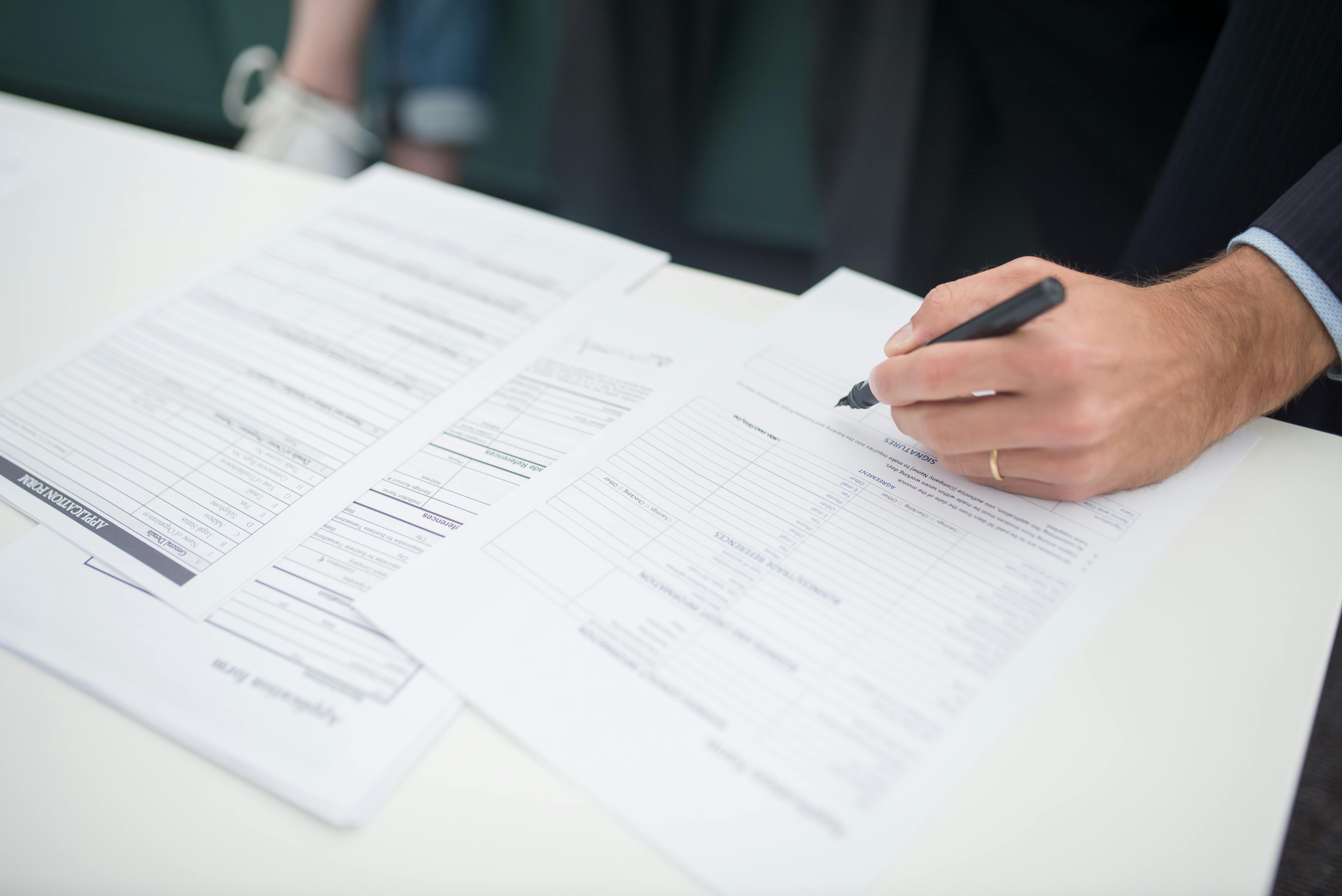
Businesses run on documents, but most of those documents do not arrive in a clean, structured format. They come in as emailed PDFs, scanned forms, vendor invoices, customer intake documents, onboarding packets, and attachments buried in shared inboxes. Teams then spend hours opening files, reviewing them, copying data into systems, forwarding them to the right people, and following up when something is missing.
AI document extraction uses AI to read PDFs, scans, forms, and email attachments, identify important fields, and convert them into structured data that can trigger business workflows. For businesses, this reduces manual data entry, speeds up routing and approvals, and makes document-heavy operations easier to scale.
This manual work slows operations and creates avoidable errors. It also makes growth harder to manage. As document volume increases, so does the need for consistent processing, faster routing, better visibility, and less reliance on repetitive data entry.
AI document extraction helps address that challenge. Instead of treating documents as static files that require human review at every step, businesses can use AI to identify key information, turn it into structured data, and trigger the next step in a workflow. That makes documents useful within real business processes, not just files stored in folders.
For small to mid-sized businesses, this is often one of the most practical ways to apply AI. It connects directly to everyday operational needs: reducing manual work, accelerating approvals, improving turnaround time, and making document-heavy processes more consistent.
The Business Problem With Unstructured Documents
Most business documents are unstructured or semi-structured. Even when they contain predictable information, the format can vary enough to make traditional automation unreliable. A vendor invoice may look different from one supplier to the next. A customer onboarding form may arrive as a PDF, a scan, or an email attachment. A certificate, application, or intake packet may include handwritten notes, missing fields, or supporting documents in different formats.
That creates a familiar set of operational problems:
- Employees manually open and review files one by one
- Data gets re-entered into CRM, ERP, accounting, HR, or operations systems
- Documents sit in inboxes waiting for the right person to notice them
- Approvals are delayed because information is incomplete or difficult to find
- Reporting is limited because key data remains trapped inside files
- Process quality varies depending on who handled the document
These issues are not just administrative frustrations. They affect response times, customer experience, compliance readiness, and internal capacity. The more a business depends on documents to keep work moving, the more costly these inefficiencies become.
This is especially true in functions like finance, operations, HR, logistics, customer service, and back-office administration, where document handling often sits at the center of daily work.
How AI Document Extraction Works
AI document extraction turns information from documents into structured, usable data. That may include names, dates, invoice numbers, totals, addresses, policy details, account information, line items, status fields, or other business-specific values. Once extracted, that data can be validated, routed, stored, and used to trigger downstream actions.
In practical terms, AI document extraction usually supports a workflow like this:
- A document arrives through email, upload, shared drive, form submission, or another intake channel
- AI reads the file and identifies relevant fields or content
- The extracted data is checked against business rules or existing systems
- The workflow routes the document and data to the right team, queue, or approver
- The business system is updated and the process continues automatically
This matters because the value is not just in reading documents faster. The real value comes from connecting document intake to business operations. When extraction is part of a broader process, businesses can reduce manual touchpoints and improve consistency across the entire workflow.
A useful way to evaluate fit is to ask whether the process involves repeated intake, repeated validation, and predictable next steps. If so, AI extraction can often support reliable automation.
- Best for high-volume documents with recurring fields
- Works well when the next step is predictable, such as routing or approval
- Improves speed when staff currently re-enter data into business systems
- Creates better reporting when important information is trapped in files
For example, a company receiving high volumes of emailed attachments may combine extraction with AI inbox automation so documents are classified, captured, and routed without staff manually sorting messages.
Businesses evaluating document automation should also consider governance and recordkeeping requirements. Depending on the process, guidance from sources such as the National Institute of Standards and Technology and document management best practices from the U.S. National Archives records management program can help frame operational and compliance considerations.
AI Document Extraction vs. OCR
OCR converts printed or handwritten text into machine-readable text. AI document extraction goes further by identifying the specific fields that matter, interpreting document context, and using the extracted data within a business workflow.
In practice, the difference looks like this:
- OCR reads text from an image or PDF
- AI document extraction identifies fields such as invoice number, due date, total, or customer name
- Workflow automation validates the data and triggers the next action
That distinction matters because many business teams do not need text alone. They need usable data that can drive routing, approvals, updates, and exception handling. For a broader comparison of where AI fits in automation, see how AI automation differs from traditional workflow automation.
Real-World Business Use Cases
AI document extraction is most useful when documents are part of repeatable business workflows. Common examples include:
Inbox automation for incoming documents
A shared inbox receives invoices, applications, service requests, or onboarding documents. AI identifies the document type, extracts key fields, and routes the item to the correct queue. This reduces manual sorting and helps teams respond faster.
Accounts payable document processing
Invoices arrive from many vendors in different layouts. AI extracts the vendor name, invoice number, due date, totals, and line-level details where needed. The workflow then checks for required fields, matches data to internal records, and sends exceptions for review.
Customer or client onboarding
New customer packets often include forms, IDs, agreements, and supporting documents. AI can pull key information from those files, flag missing items, update systems, and route the package for approval. That shortens onboarding time and improves consistency.
Internal approvals and routing
Contracts, requests, change forms, and operational documents often need review by multiple people. AI extraction can identify the relevant department, amount, location, or request type and send the document into the right approval path automatically.
HR and employee document handling
Hiring and onboarding involve applications, tax forms, identification documents, policy acknowledgments, and benefit forms. AI can capture required data, track completion, and reduce repeated manual entry across HR systems.
Reporting and operational visibility
When information stays inside PDFs and attachments, reporting is limited. Once AI extracts that information into structured fields, businesses can track turnaround times, document volumes, exceptions, approval bottlenecks, and workload trends more accurately.
Across these examples, the goal is not simply to digitize documents. It is to make documents actionable within a process.
How ClearGuide AI Supports Implementation
ClearGuide AI works with businesses to design and implement practical automation around real operational workflows. That includes identifying where document-heavy processes create delays, where extraction can reduce manual effort, and how to connect document intake with the systems and teams involved.
ClearGuide’s role typically includes:
- Assessing current document workflows and identifying high-friction steps
- Defining what information needs to be extracted and what actions should follow
- Designing the workflow logic, routing rules, approvals, and exception handling
- Integrating automation with email, cloud storage, line-of-business systems, and reporting tools
- Supporting testing, rollout, and ongoing refinement as business needs change
That matters because successful AI document extraction is not just about applying a model to a file. It requires process design, system integration, operational guardrails, and continuous improvement. A business may need a human review step for edge cases, a validation check before records are updated, or a reporting layer to monitor exceptions and throughput. Those details determine whether the automation is actually useful in production.
For many organizations, the best results come from starting with a specific workflow that has clear volume, well-defined pain points, and clear business value.
How to Get Started With AI Document Extraction
If you are considering AI document extraction, start with a process-first approach rather than a tool-first one.
Focus on one workflow where documents repeatedly create delays or manual work. Good candidates usually have:
- High document volume
- Repeated data entry
- Predictable next steps after intake
- Multiple handoffs or approval steps
- Frequent routing errors or delays
- A need for better reporting and visibility
Then define the basics:
- What document types are involved?
- What fields need to be extracted?
- What business rules should validate the data?
- What system should be updated?
- Who should review exceptions?
- What should happen next automatically?
From there, implementation can be scoped around business outcomes such as reducing manual data entry, speeding up document turnaround, improving routing accuracy, and creating more reliable process visibility.
The strongest opportunities usually are not the most complex. They are the workflows where document handling is frequent, repetitive, and operationally important.
AI document extraction gives businesses a practical way to turn unstructured files into structured operational inputs. When connected to routing, approvals, reporting, and system updates, it helps teams move faster with less manual effort and greater consistency. For small to mid-sized businesses, that can mean fewer bottlenecks, better visibility, and a more scalable way to manage document-driven work.
FAQs
What is AI document extraction?
AI document extraction uses AI to read documents such as PDFs, scans, forms, and email attachments, identify key information, and convert that information into structured data for business workflows.
What types of documents can businesses automate with AI document extraction?
Common examples include invoices, onboarding forms, applications, contracts, intake documents, HR paperwork, customer records, and documents received through shared inboxes or uploads.
How is AI document extraction different from OCR?
OCR focuses on converting text from images into machine-readable text. AI document extraction goes further by identifying relevant fields, interpreting document context, and supporting routing, validation, and workflow automation.
Where does AI document extraction create the most business value?
It creates the most value in high-volume, repeatable processes where employees spend time opening files, re-entering data, forwarding documents, checking completeness, and updating systems manually.
Does AI document extraction replace people completely?
No. In most business workflows, AI handles routine extraction and routing while people review exceptions, approve decisions, and manage cases that require judgment or follow-up.
If you want to evaluate where document automation can deliver the fastest operational return, review our case study to see how workflow-focused AI implementation supports measurable business outcomes.
Reading is useful. A workflow assessment makes it concrete.
If a guide sounds like your business, ClearGuide can help you map the workflow and decide what is worth building first.